Creating a region
In this section, you will learn how to create a region using the plugin.
Defining the area
Using the player location
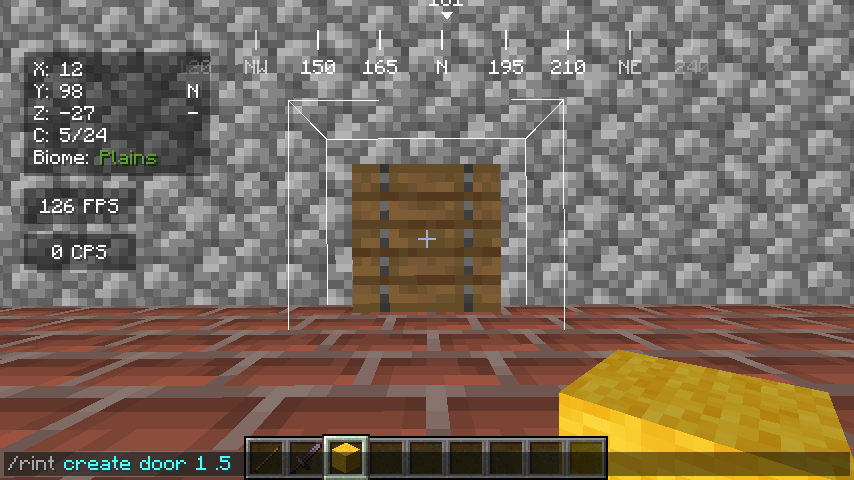
To create a region using the player location as the center, you can use the following command:
/rint create <identifier> <height> <radius>
Where:
<identifier>is the name of the region you want.<height>is the height of the region.<radius>is the radius of the region.
Example:
Using wand selection
First, you need to obtain the wand, you can do that by using the following command:
/rint wand
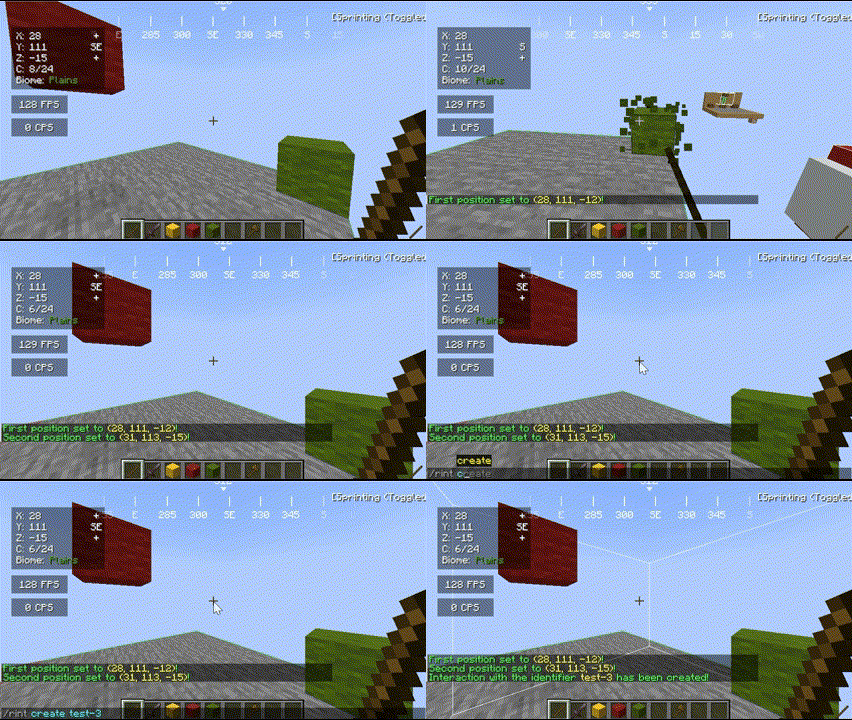
Then, you can select the area using the wand, to do that, you need to left-click the first corner and right-click the second corner.
After selecting the area, you can use the following command to create the region:
/rint create <identifier>
Where:
<identifier>is the name of the region you want.